A playful portfolio can help a visitor remember the work, but it must stay honest and not replace the clearer project evidence in the main portfolio.
Goal
Build a secondary interactive experience that links back to the main portfolio while demonstrating UI polish, animation timing and browser interaction.
Status
Experimental interactive portfolio
Stack
ReactTypeScriptViteCSSlucide-reactVercel
Key features
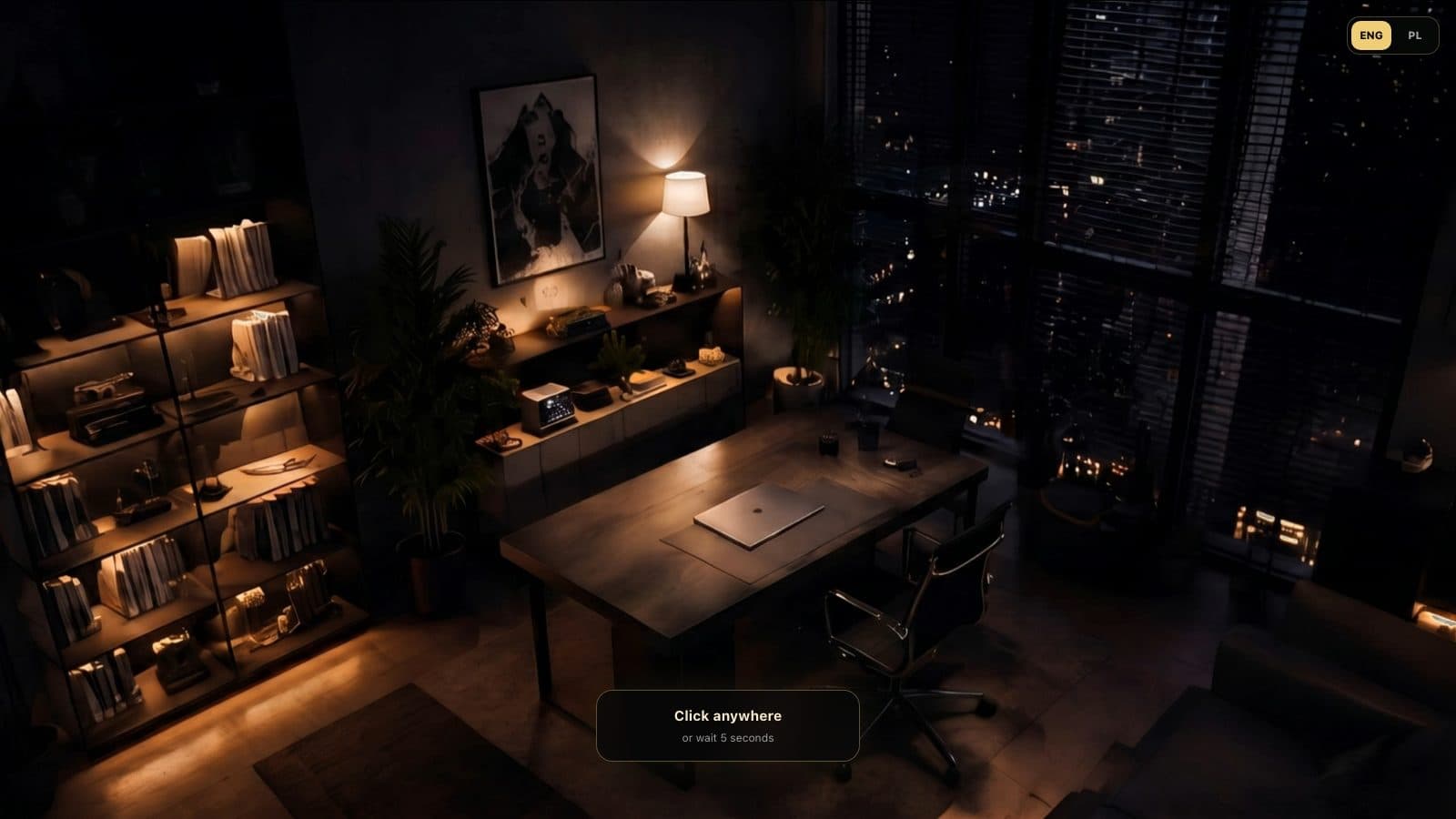
Click-to-start cinematic MacBook intro with inactivity fallback.
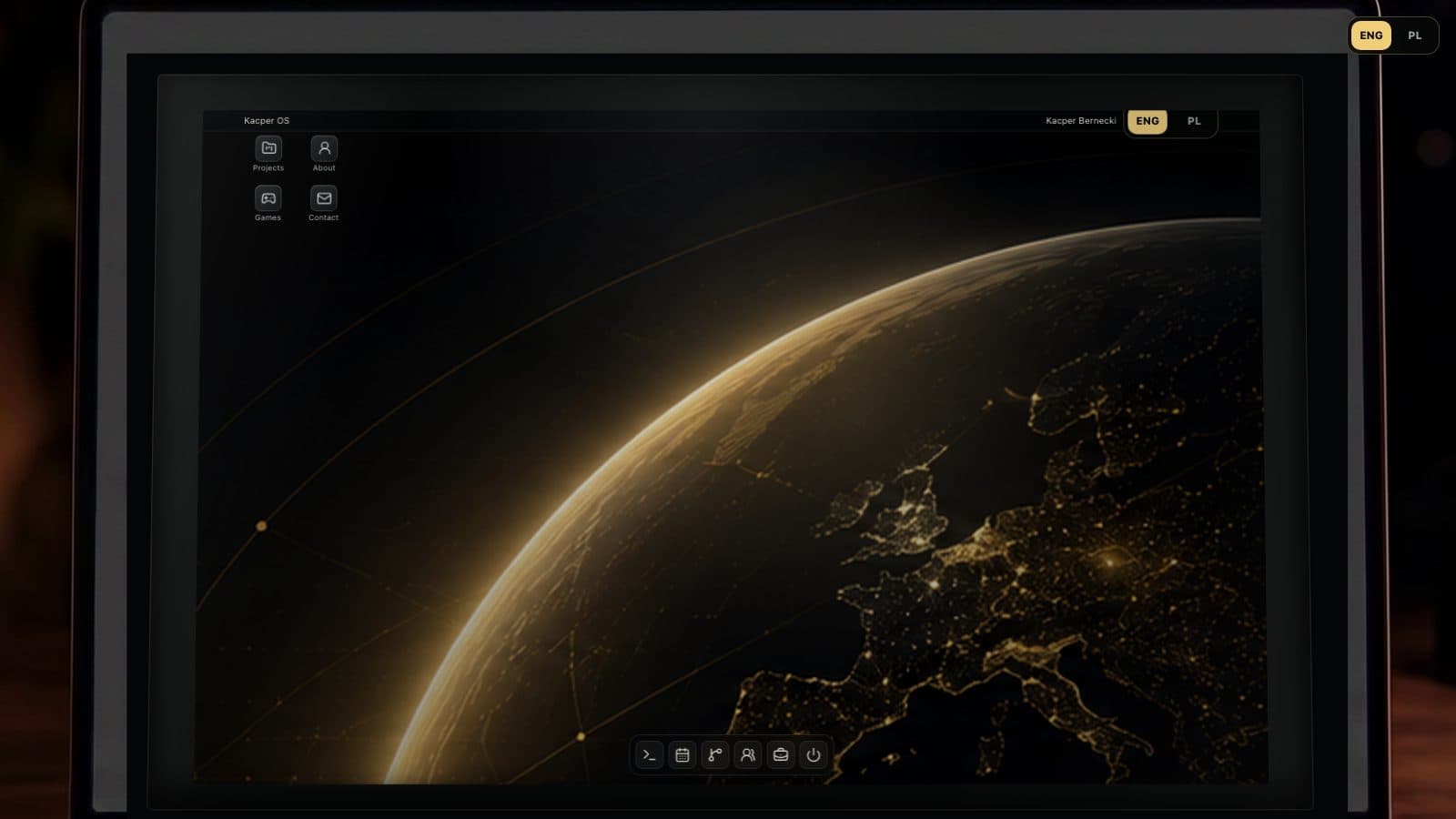
Desktop-style UI with dock, app windows and quick links.
About, projects, skills, contact, calendar and games panels.
Terminal commands for opening panels and external links.
Berni Rush embed plus small browser games.
ENG/PL language switch across the MacBook experience.
Technical decisions
The project is positioned as an experimental interactive portfolio, not the main technical proof.
The intro uses pre-rendered video assets so the scene stays smooth in the browser.
The desktop UI keeps external links explicit and opens the main portfolio for serious review.
What I learned
Timing UI overlays with video-based transitions.
Building a desktop-like interaction model in React.
Balancing playful presentation with professional project positioning.
Next improvements
Add more browser smoke checks for intro, dock actions and language switching.
Keep project data synchronized with the main portfolio.
Reduce video payload where possible without hurting the effect.
Limitations
This is a secondary experimental portfolio. It is intentionally more playful than the main business web app portfolio and should be reviewed as an interactive UI project.